Question
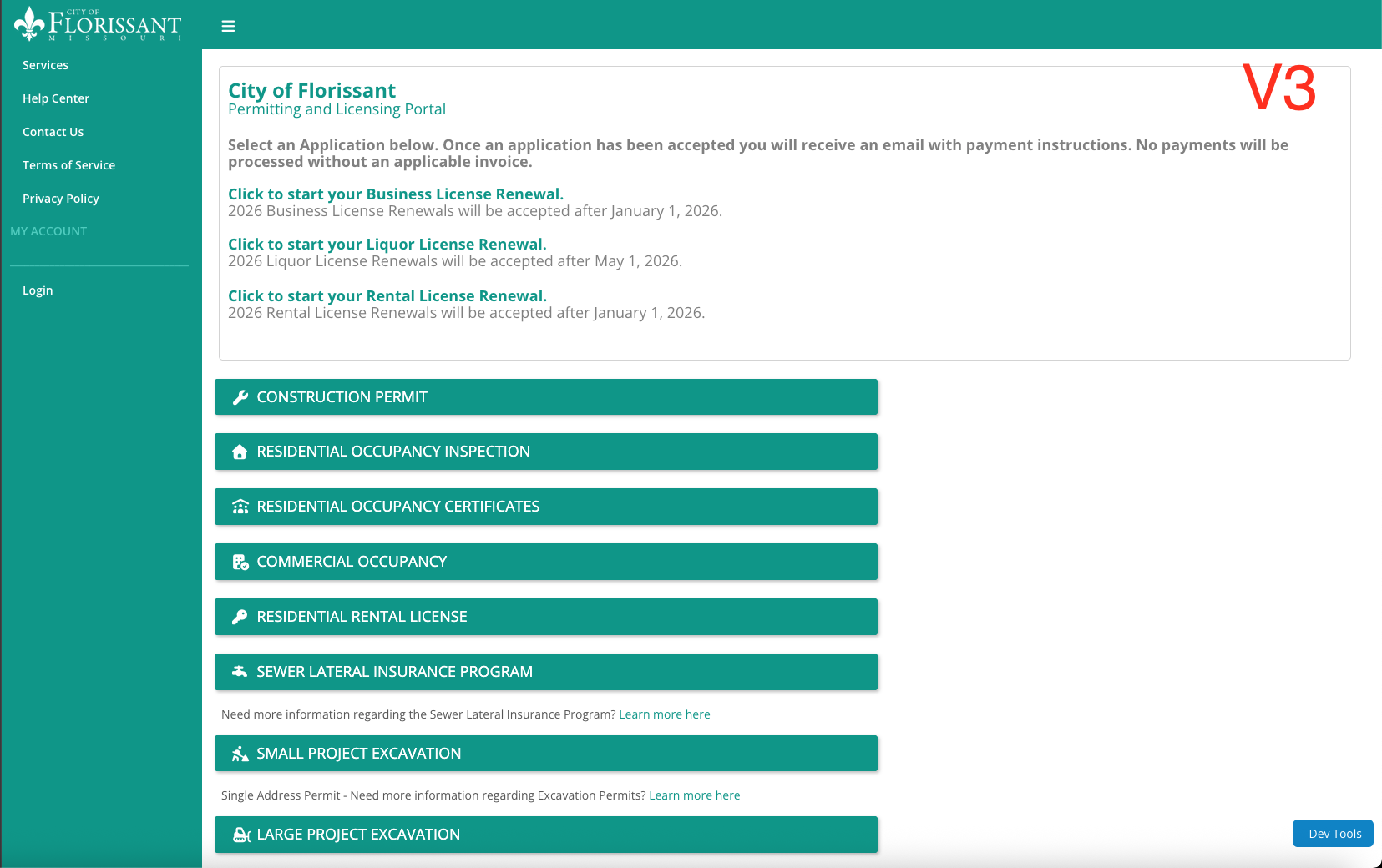
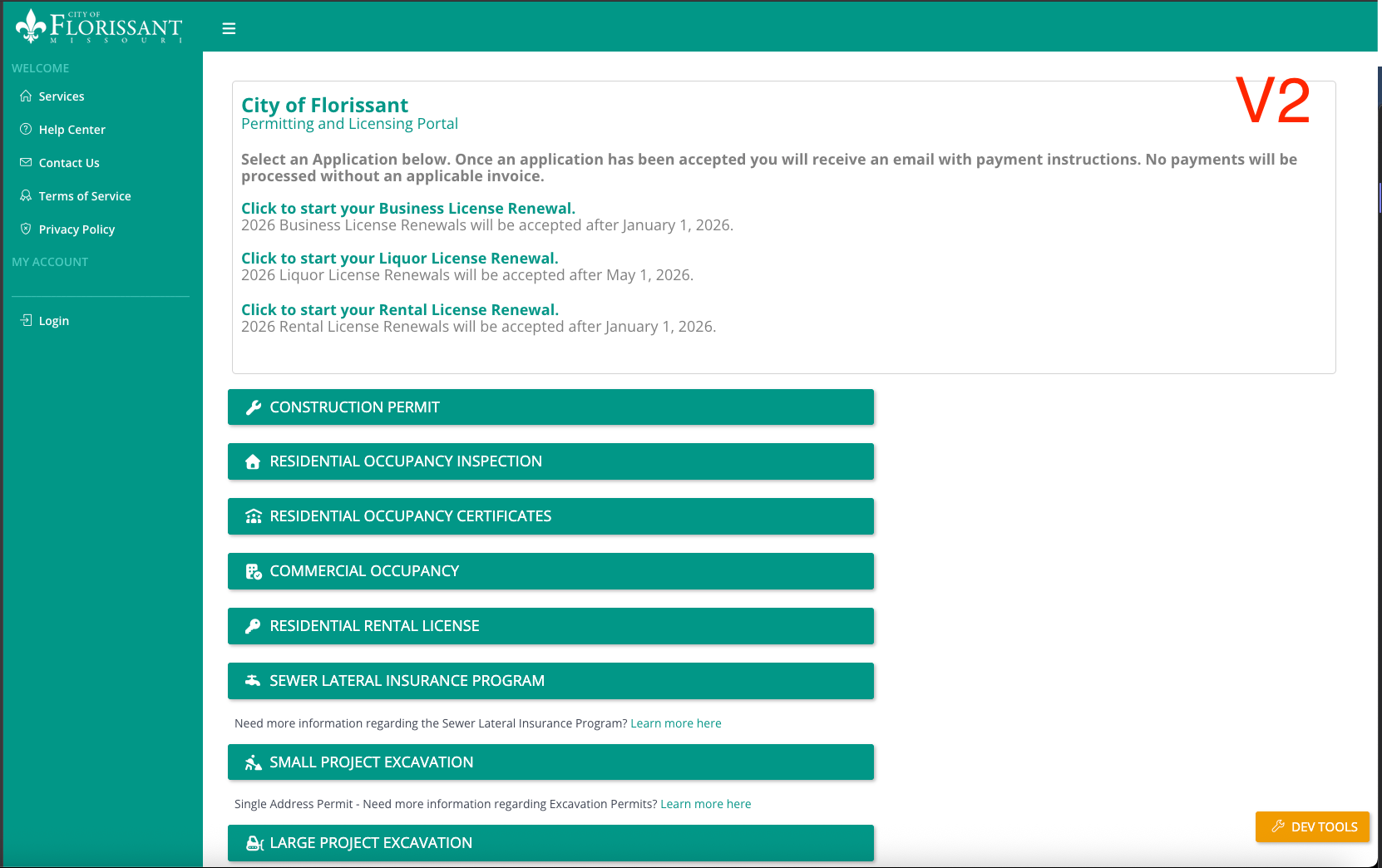
After upgrading to the BetterForms V3 editor, why are some icons missing and why does the styling differ from V2?
Answer
The side-navigation icons use Simple Line Icons, which are no longer bundled with Klai. Add the icon package through a CDN or switch to a supported icon library. The additional page padding is intentional; it can be adjusted through the page’s style classes, such as p-4 on StyleClassesPage.
Thread Attachments
Original Slack Thread
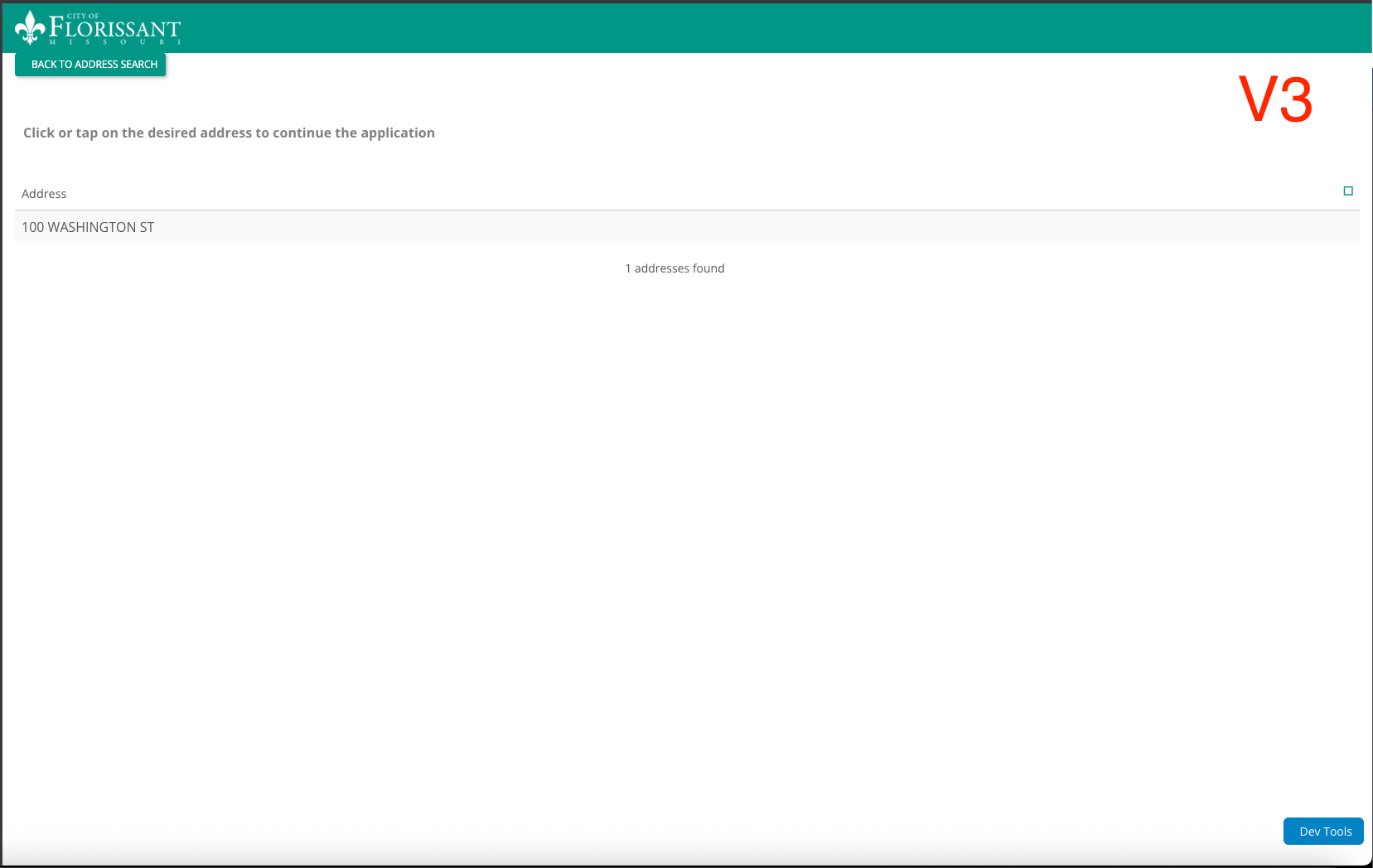
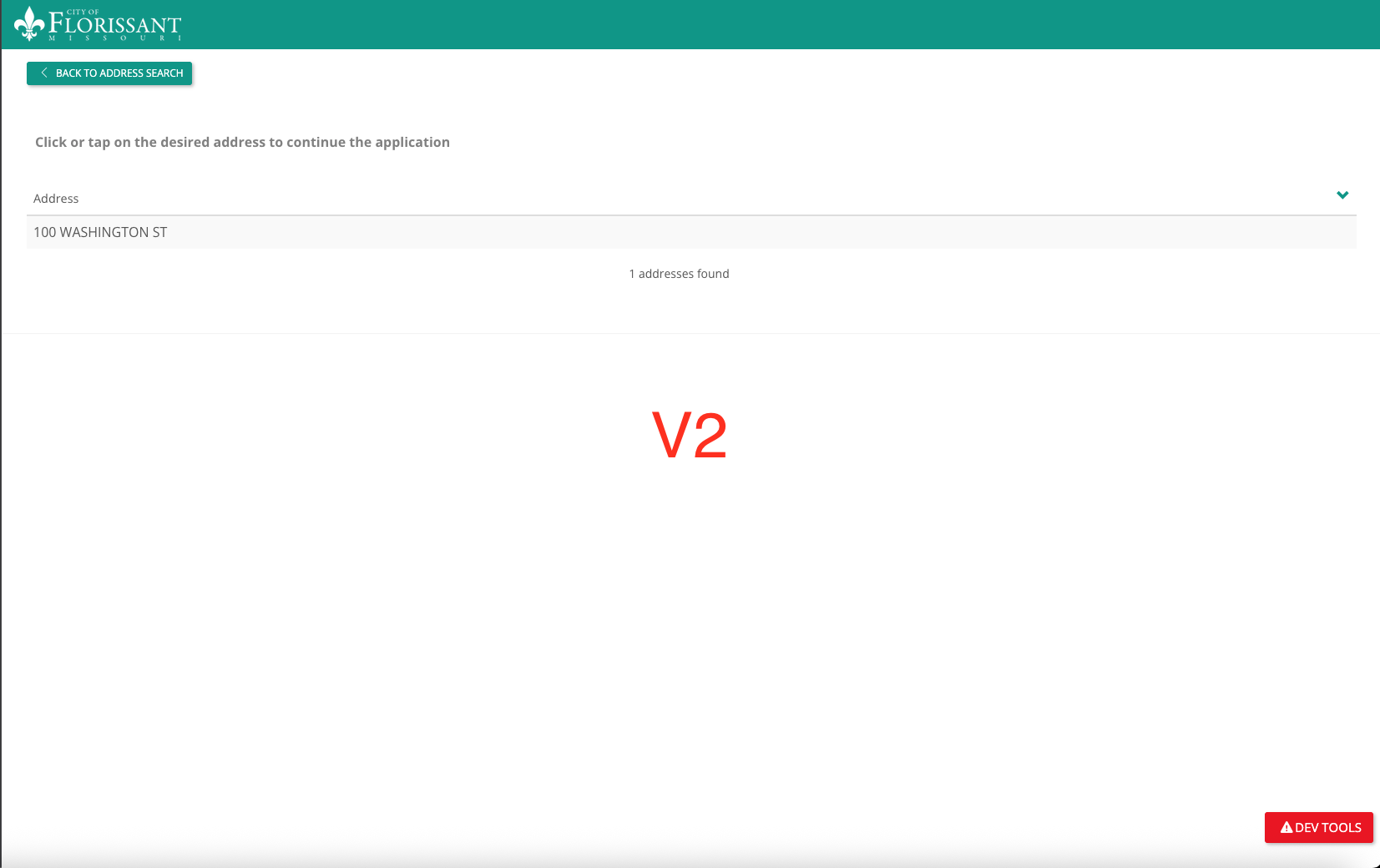
User U07KE5J8U7N: Hi, I recently upgraded my project's dev environment to use the new V3 editor in BetterForms. I'm noticing a lot of strange behavior since doing so. One issue i'm encountering now is missing icons and subtly different styling. You can see it pretty clearly when the pages are side-by-side. Are these issues known/expected? In addition to the styling issues, a few of my pages are not working as they were before; elements are not being set within the model correctly.
User UBBJX2EHM: check domainss, our icon sets only work with house domains, do to licensing
User UBBJX2EHM: ask the mcp to check
User U07KE5J8U7N: Thanks, will give it a try.
User U07KE5J8U7N: Any suggestions about the styling differences? I'll have Claude check that too, but strange that it has changed.
User UBBJX2EHM: yeah the padding in the page is intentional, just use ai for a quick fix. that is the only think I can see. Did you follow up on the font awesome domain I mentioned earlier?
User U07KE5J8U7N: Font Awesome appears to be loading correctly, however, after some back and forth with Claude, seems like the icons being used on the side nav are from Simple Line Icons, which (supposedly) isn't shipped with Klai anymore. so I'll just either need to import that package manually or change the icon library used. Still investigating the padding issue.
User UBBJX2EHM: Ahhh that's pretty old we dropped those but you can add the cdn back if you'd like
User UBBJX2EHM: Basically they can be added with cdn so not backed in.
User UBBJX2EHM: StyleClassesPage p -4
User U07KE5J8U7N: I have another question related to the V2 -> V3 upgrade process. I notice that when I navigate to many of the pages in my project, it prompts me to "update" them. This isn't true for all of them, though. Why do only some of them need an update?
User UBBJX2EHM: Depends on the page type and chema, some pages could have beenc reated from older tempaltes
User UBBJX2EHM: its afe