Question 1: Copy Button Not Working in Safari
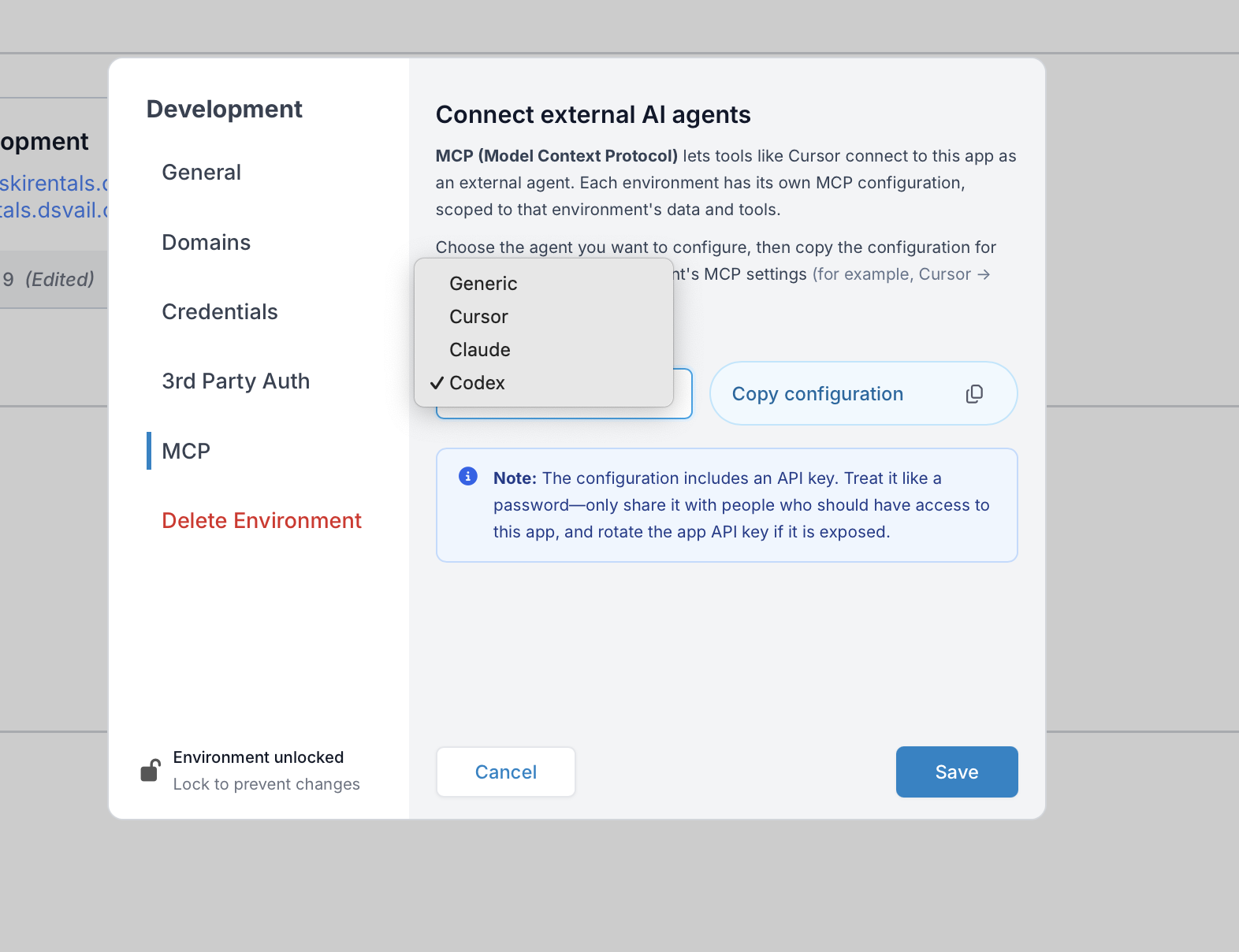
Problem: User reported that clicking the copy icon to copy the config file to clipboard was not working in Safari on their computer. Testing on other browsers and computers confirmed the issue was specific to Safari on that machine.
Solution: The issue was resolved after clearing Safari’s cache. User confirmed: “cleared the cache in Safari and now it is working.”
Question 2: How to Change/Regenerate API Key
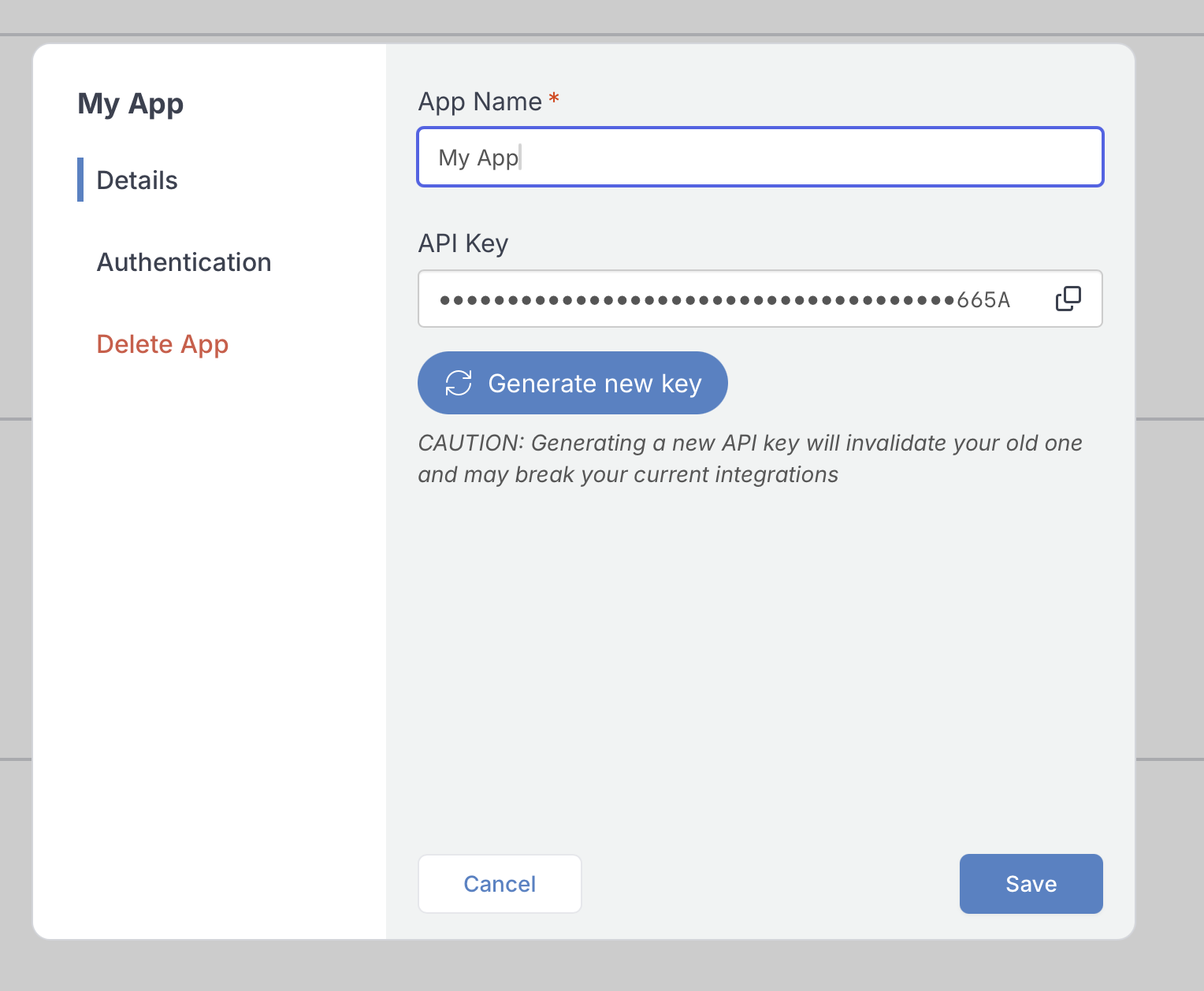
Problem: User asked whether clicking “copy config” changes the API key, and how to regenerate or change the API key if needed.
Solution: Provided clear instructions:
- The copy function does not change the API key
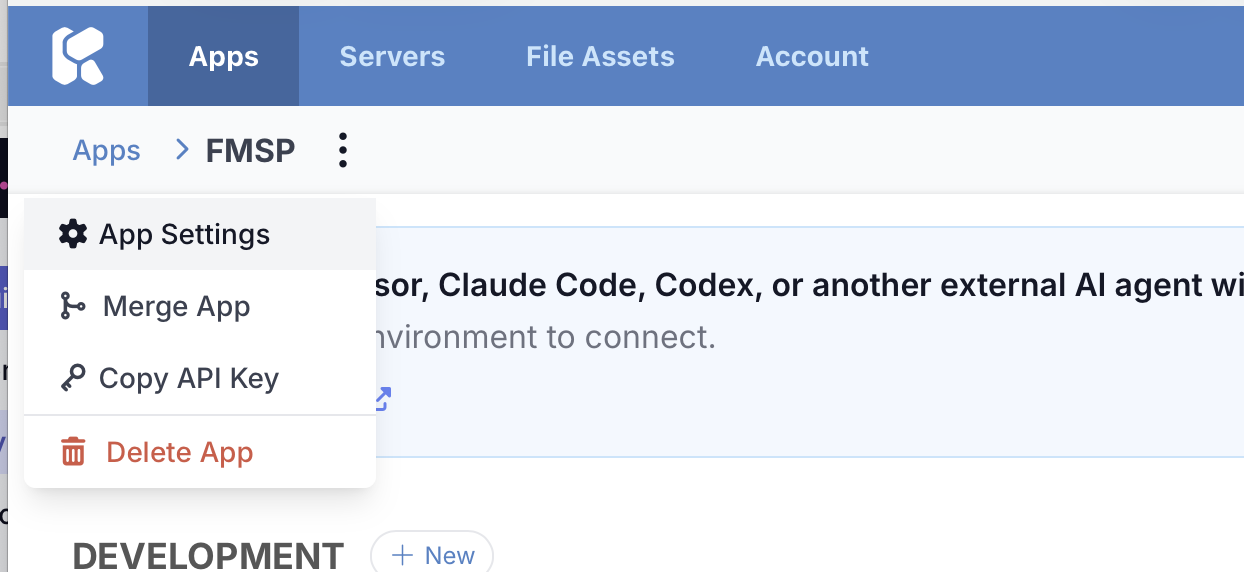
- To regenerate an API key: Open your app, click the 3 dots menu options, and select “Generate new key”
- After regenerating, re-gather the MCP configuration
User confirmed resolution with: “awesome. got it. thanks guys”