Problem
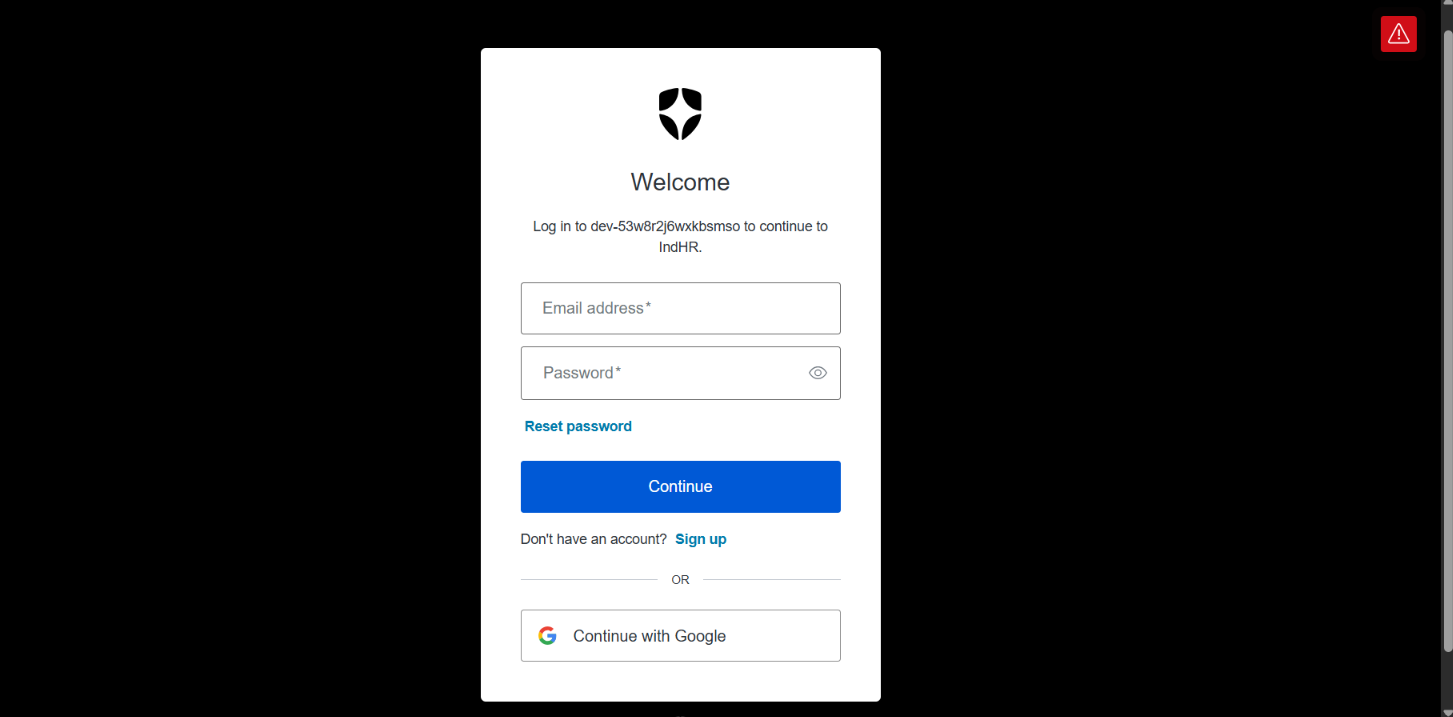
The OAuth flow displays an intermediate interface before redirecting the user to Google’s Continue with Google screen.
Solution
If only Google authentication is required, use Google’s OAuth integration directly instead of Auth0. Auth0 also provides an automatic continuation/skip option in its settings; enable that option to bypass the intermediary screen.
Thread Attachments
Original Slack Thread
User U097MPHKU11: Hi, I was working on implementing *“Sign up with Google”* and *“Login with Google.” and facing an issue .*
Login with Google is working only when the user is already registered. It allows the user to log in without entering their password. However, Sign up with Google always throws an error with the message *“User not authorized to register.”*
Later, we also tried using Auth0, but we faced the same issue there as well. The documentation also doesn't have any guide for creating a new user using Google or Auth0.
```{
    "action": "path",
    "options": {
        "sameWindow": true,
        "url": "/oauth/auth0"
    }
}```
User UBBJX2EHM: To allow the user to register watch the hook onBeforeRegistration. It needs to return true.
User U097MPHKU11: Thanks, that part is done.
I just wanted to ask if there is any way to get rid of this interface and directly redirect the user to *“Continue with Google” screen .*
User UBBJX2EHM: if you are just using google dont bother with Autho, and then you skip that all together. Auth) has a setting that can auto continue also, you will need to google